Create Your Trip
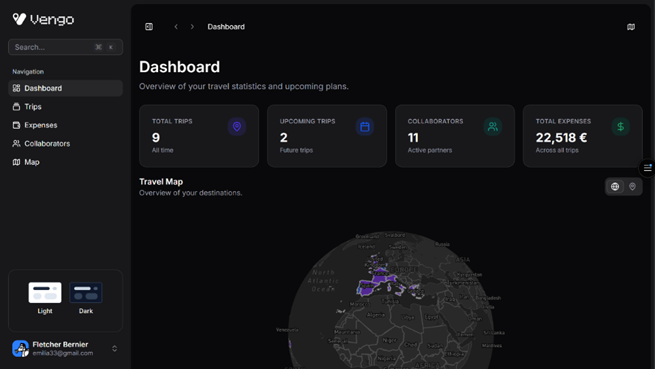
Step 1Give your journey a name and set your dates. Whether it’s a solo weekend getaway or a two-week group trek, you’ll have a clean slate to start building your dream itinerary in seconds.
Add POIs, Plan, and Organize
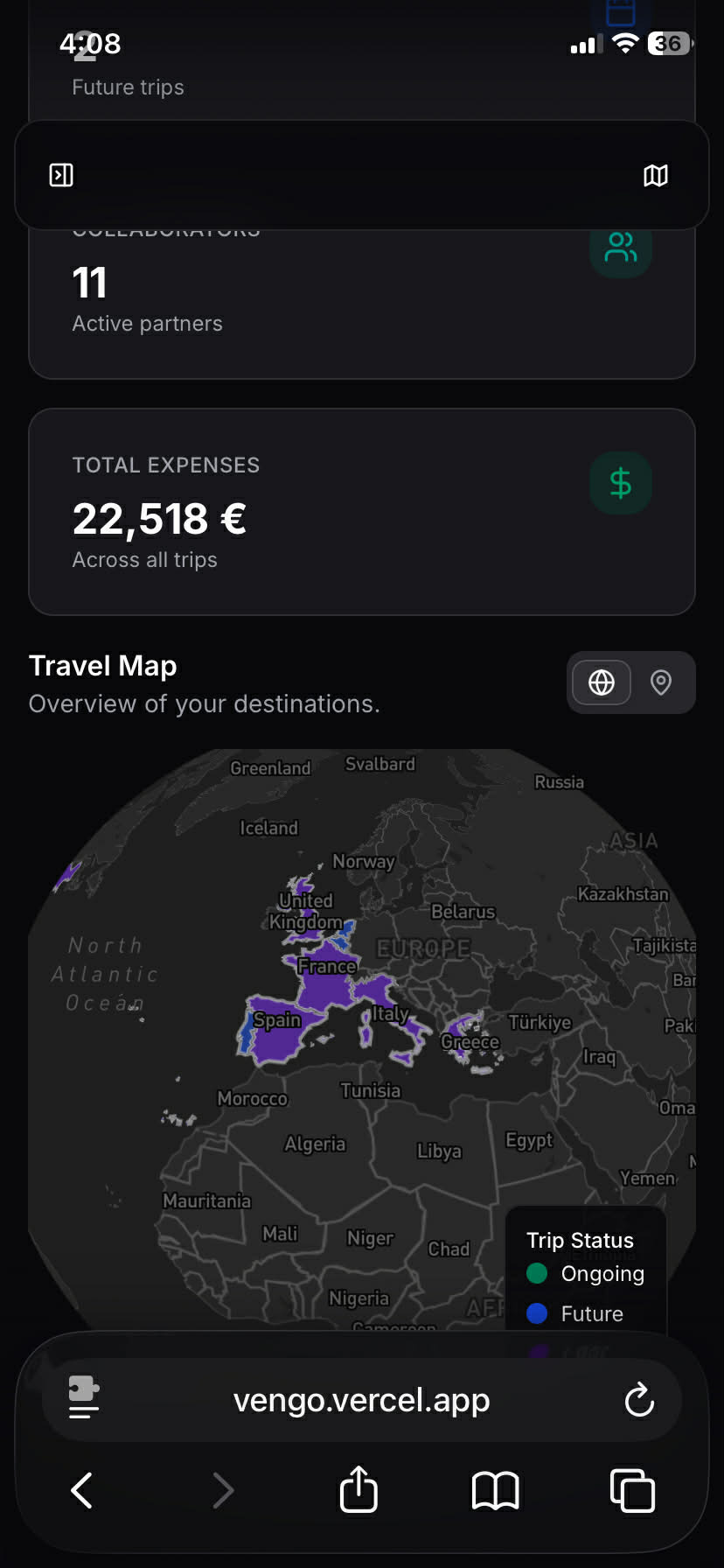
Step 2Search for your must-see spots and add them as POIs directly through your map. On desktop, use the Map Sidebar to see your POIs update in real-time right next to your schedule. No more switching tabs—just seamless planning.
Build Your Itinerary
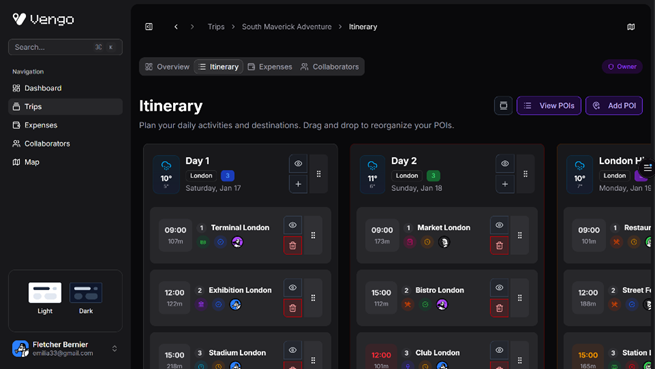
Step 3Turn your saved POIs into a real plan. Add them as activities to specific days, drag and drop to reorder your schedule, and create the perfect flow for your trip.
Invite Your Crew
Step 4Ready to share? Send a unique link to your travel partners. They can jump right in to suggest hidden gems, vote the best POIs, and help fine-tune the plan so everyone is on the same page before you even leave.